Our take
Screen recording & tutorial editing
Record with OBS Studio, then evaluate Shotcut or Kdenlive for editing. This is a tool combination, not a single equivalent application.
CHOOSE BY TASK
Which option fits your work?
Capture screen and microphone
Record first; a separate editor handles substantial post-production.
Compare by the work you need to do
| Open-source option | Relevant work | Platforms | Maturity |
|---|---|---|---|
| OBS StudioGPL-2.0 | Record a display, window or camera with audio. | Windows · macOS · Linux | Established project |
| ShotcutGPL-3.0 | Assemble clips and audio on a video timeline. | Windows · macOS · Linux | Established project |
| KdenliveGPL-3.0-only | Edit a multitrack sequence with sound, transitions and subtitles. | Windows · macOS · Linux | Established project |
OBS Studio
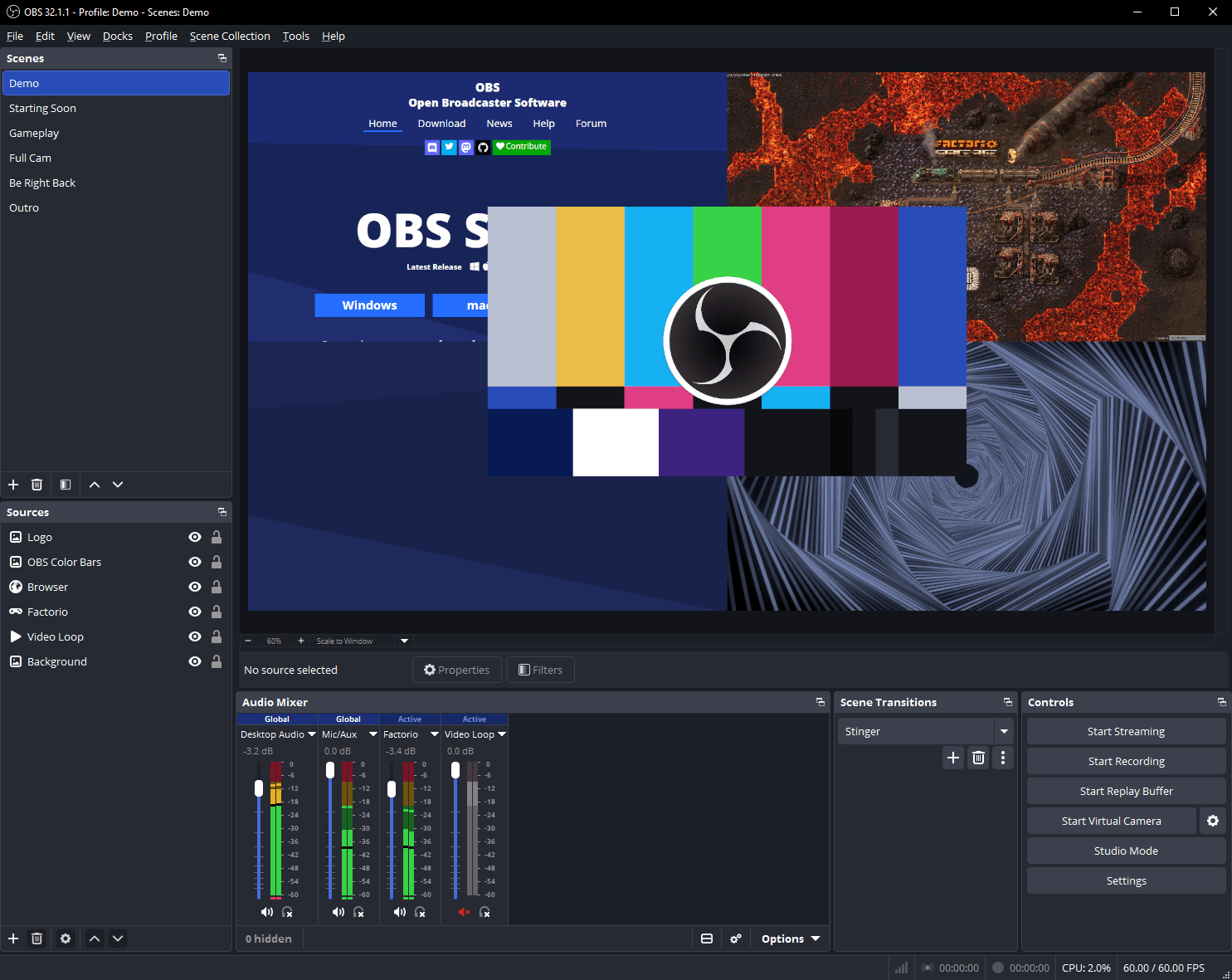
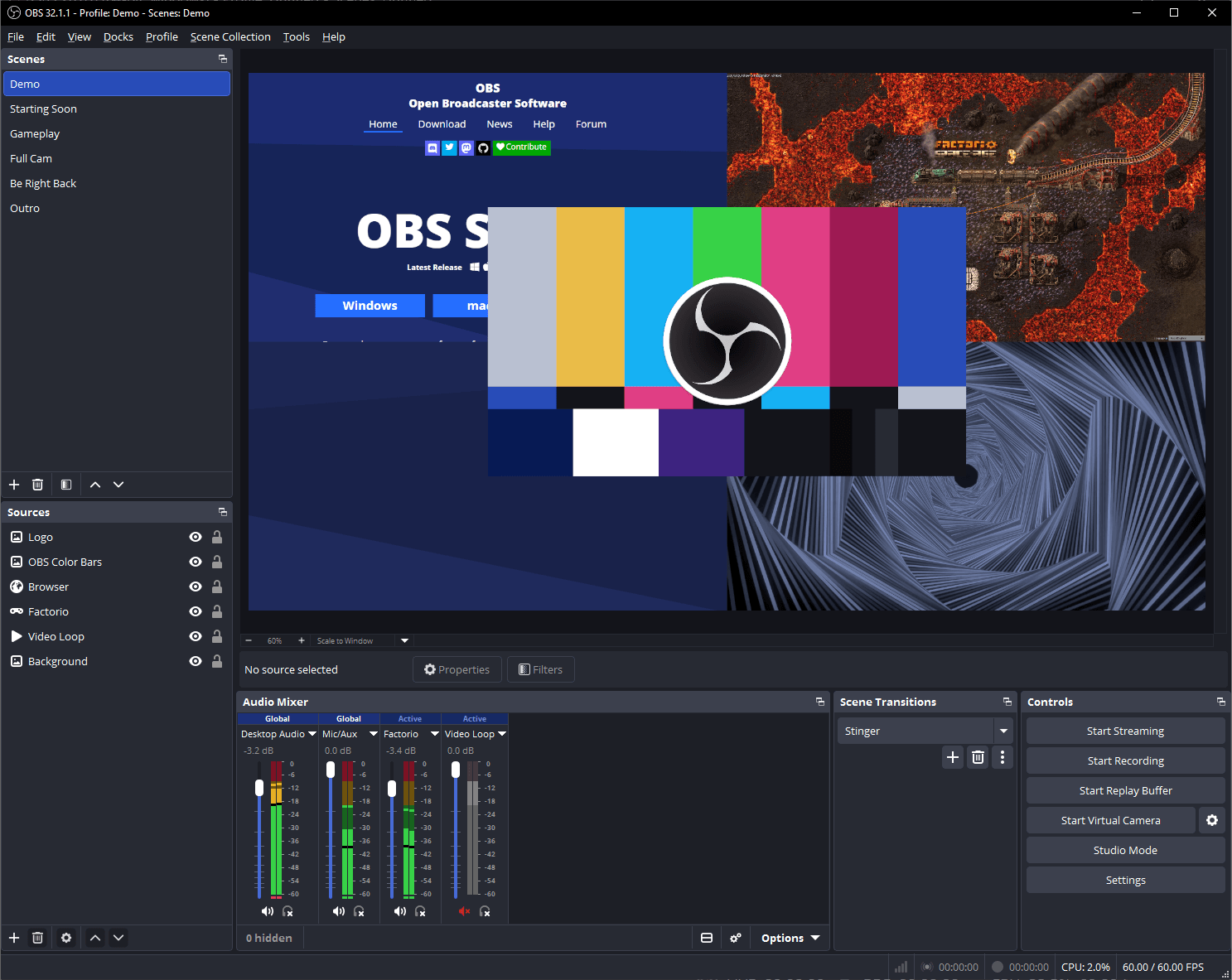
Established projectOBS Studio captures and mixes sources into recordings or live streams. It fits the recording side of a Camtasia workflow, but it is not a replacement for a full timeline editor. Plan a separate editing stage if the deliverable needs substantial post-production.
What to check first
- Check capture permissions, audio routing and available encoding capacity.
- Recording and streaming features do not provide a complete editing workflow.
Shotcut
Established projectShotcut provides a desktop editing workflow rather than a cloud video service. It is another option when Premiere Pro is mainly used to assemble clips and sound. The usefulness of an editor depends on the formats and effects required by a specific job.
What to check first
- Test codecs, hardware acceleration and delivery settings on your own machine.
- Premiere plug-ins and projects are not assumed to transfer.
Kdenlive
Established projectKdenlive is a timeline-based editor for assembling clips, sound and titles. The official project describes proxy editing, effects, color tools and subtitles. It is a more direct Premiere Pro comparison than a painting application or a shot-compositing tool.
What to check first
- Test your actual cameras, codecs, effects and export requirements.
- Do not assume a Premiere project, plug-in or team workflow transfers unchanged.
Migration checklist
Record screen text and narration, then test captions, cursor treatment, edits and final export.
Representative test material
A desktop tutorial with narration, captions and a final viewing copy.
These are suggested test inputs, not guarantees that every format or feature is compatible.
- Work on copies of representative files.
- Complete a small real task, including export and delivery.
- Ask collaborators to check the result before migrating.
For personal use
A recorder plus an editor can be sufficient if you accept a separate capture and edit stage.
For teams
Test handoff, callouts, fonts, captions and repeatable export settings across tutorial projects.
When to keep the original
Keep Camtasia when its integrated recording, callouts or templates are essential to the production workflow.
Primary sources
This is a review of official documentation and source repositories, not a hands-on certification. Test your own files before migrating.